Oiko Logo

Command Palette

Search for a command to run...

Customize

Create your custom design

Upload your design and choose how you want it applied to your favorite product.

Custom orders available
Quick Start Guide
  1. Choose your product type (Hoodie, T-Shirt, etc.)
  2. Upload your design image (PNG recommended)
  3. Select where you want the design placed
  4. Choose print method, size, and color
  5. Preview your design and add to cart!
Choose product
Select the product you want to customize before uploading designs.
Upload your designs
Upload up to two image files (PNG, JPG, SVG) and choose their placement.

Cloudinary upload is unavailable. Set `NEXT_PUBLIC_CLOUDINARY_CLOUD_NAME` and `NEXT_PUBLIC_CLOUDINARY_UPLOAD_PRESET` to enable it.

Design 1

Adjust design

Upload a design to start editing.

3D Preview

Front

Front preview

Design 2

Adjust design

Upload a design to start editing.

3D Preview

Back

Back preview
Application method
Product Details
Price Breakdown
Base productSAR 250
PrintingSAR 50
TotalSAR 300

Final Product Preview

Producthoodies
Methodprint
Base ColorNot selected
Total PriceSAR 300

Front
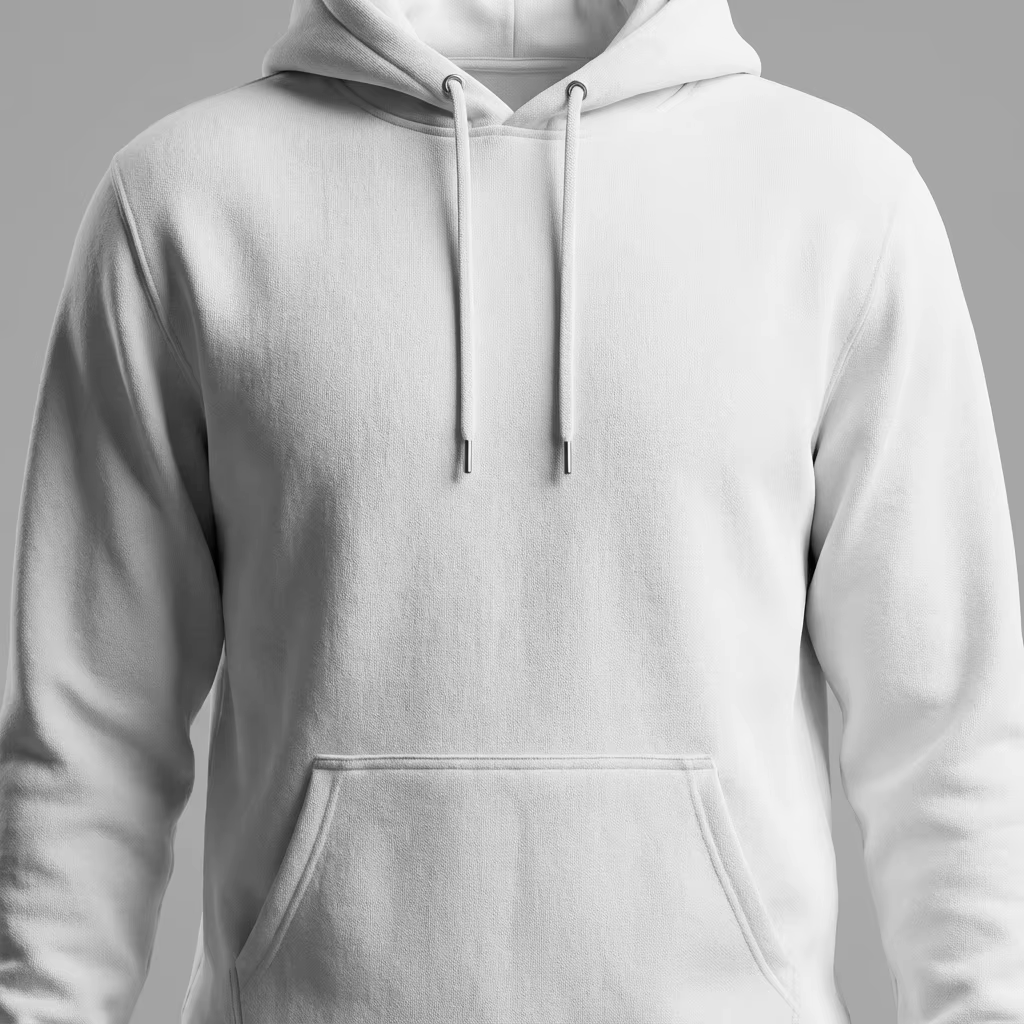
Front preview

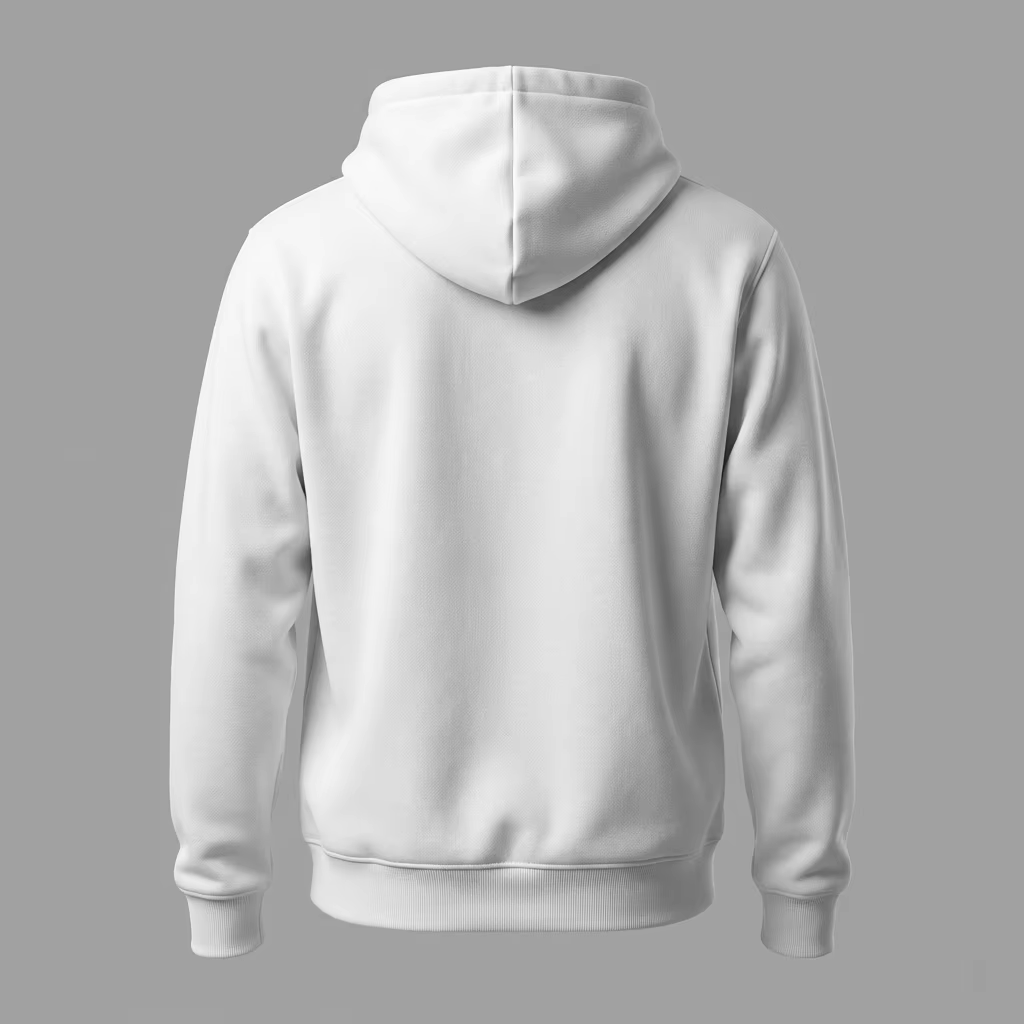
Back

Back preview

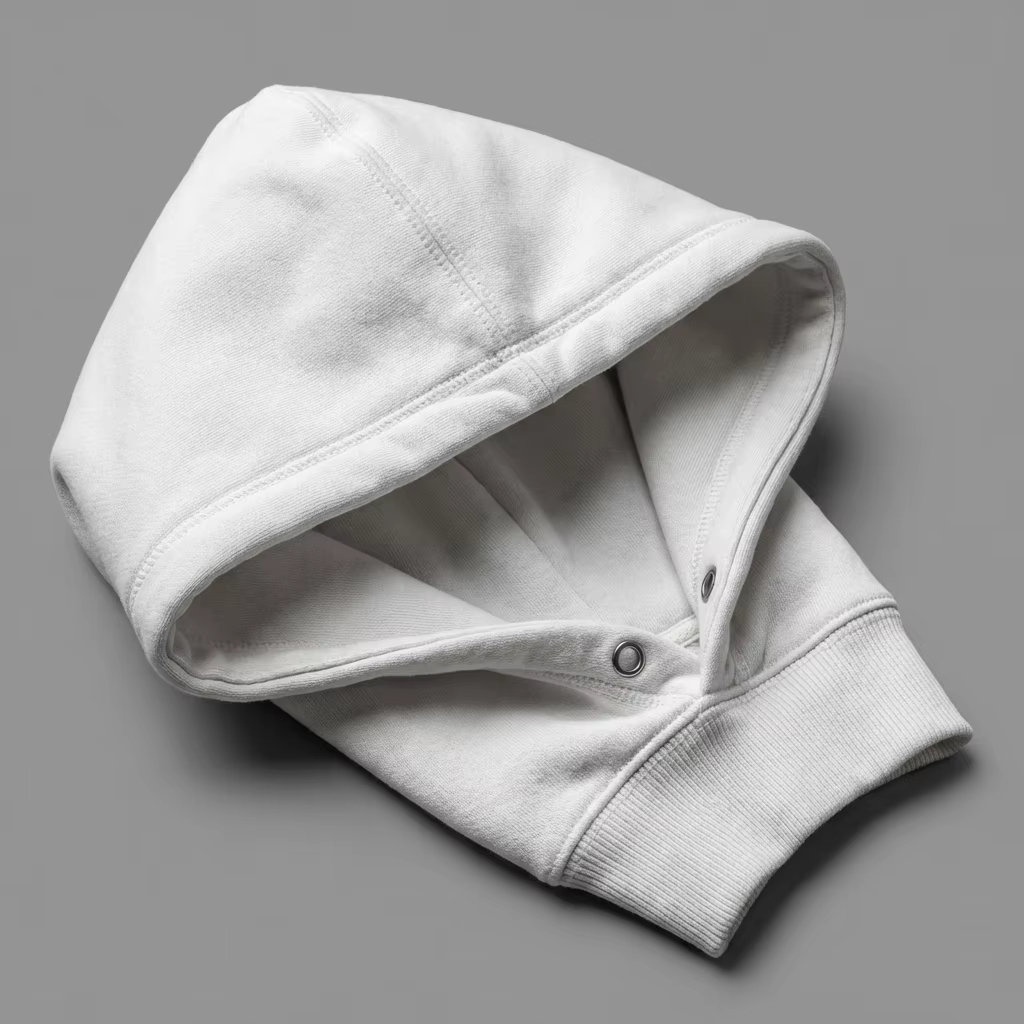
Hood

Hood preview
Need Inspiration?
Check out our design templates and examples for ideas

Minimalist Logo

Simple & Clean

Bold Typography

Statement Piece

Abstract Art

Creative & Unique

Vintage Badge

Retro Style

Coming soon: Browse our full template library and use designs created by our team!